Creating a Project
A Project sits within a System:
Definition: Project
A project in Synx-Assure is a “use case” or instantiation of a system, for which you are developing a specific assurance argument. Each system can have multiple projects. Defining the project is an important consideration, as this is the level at which you will develop your model.
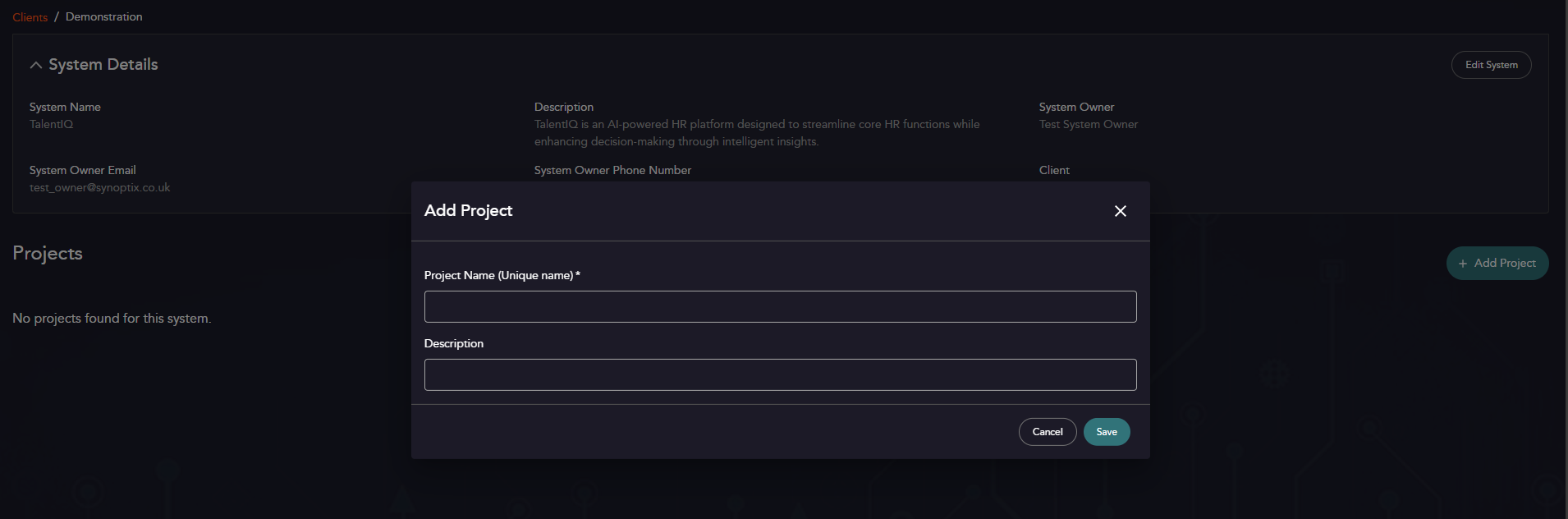
Project Parameters
| Property | Description | Mandatory? |
|---|---|---|
| Project Name | A unique name for the project. | Yes |
| Description | Any additional descriptive properties for the project. | No |
Using a Project
Each created project on the system will format a “tab” below the System Details. 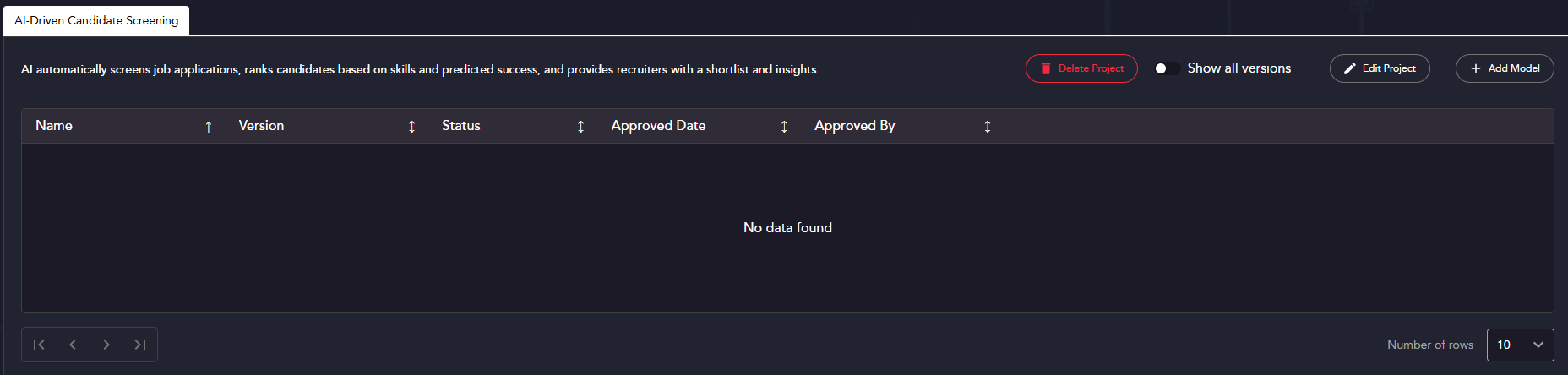
Creating a Model
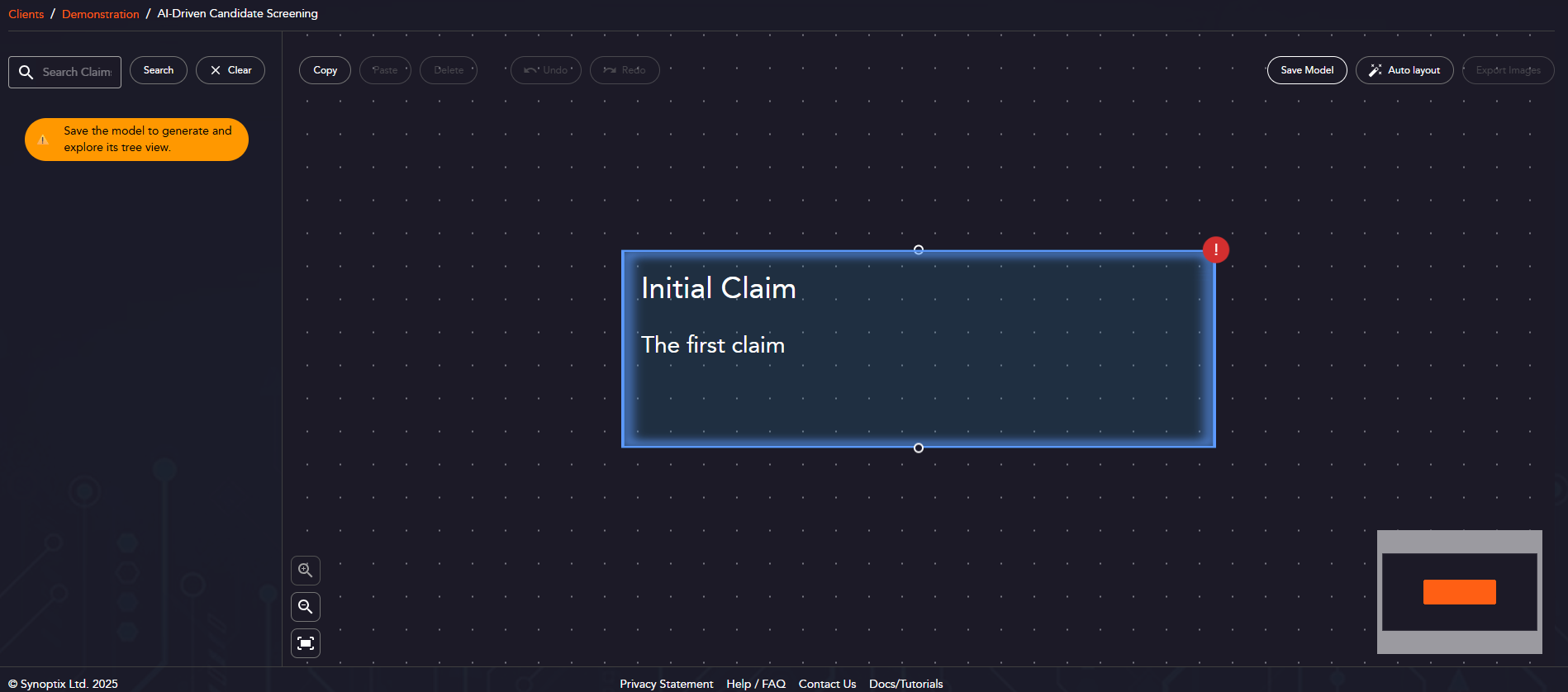
When you click “Add Model”, you will load immediately into the modelling screen shown below. You’re now able to start modelling - once you populate your top level claim, you can save the model and proceed!