Adding a user
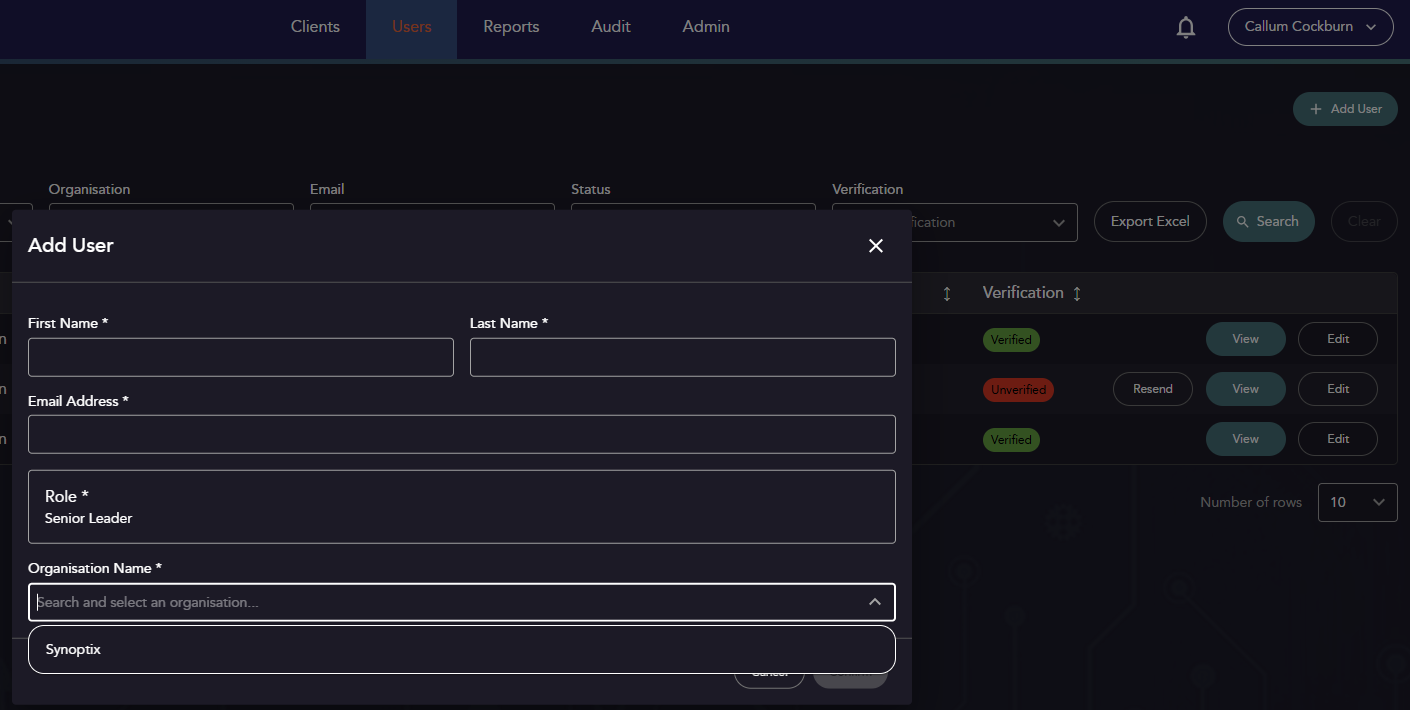
Under the “Users” tab, select “+ Add User” in the top right.
Provide details for the user, and select their role.
| Property | Description | Mandatory? |
|---|---|---|
| First Name | User Details | Yes |
| Last Name | User Details | Yes |
| Email Address | User Details | Yes |
| Role | The user’s role. More details in Details on available roles can be found in Types of Users | Yes |
| Organisation | Mandatory for all except Synoptix roles. | Yes |
Logging In
First Time Login
Once added to the platform by an administrator, the user will receive an email from “no-reply@synoptix.co.uk” requesting that they set up a password for the first time. This is only valid for 24 hours. After this time, the administrator will have to re-request verification through the User Management Page.
Further Logins
After verifying your account for the first time, when accessing the site assurance.synoptix.co.uk a login page will be displayed.
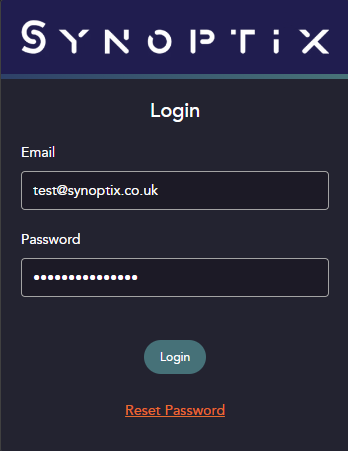
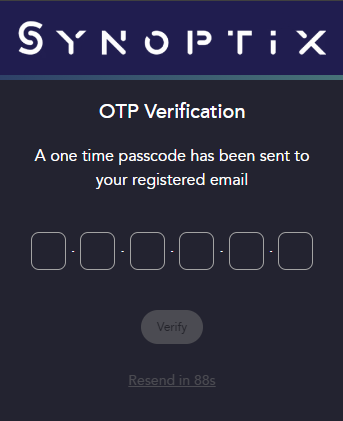
After adding your username and password, an email will be sent requesting an OTP. This 2FA is mandatory for all accounts.
Workspace Setup
Your Synoptix administrator will have already created a “Client” space for you. It will initially be blank, with some basic details at the top, and space to add one or more systems below.
Definition: System
A system in Synx-Assure is an AI system that you want to assure. One system can have multiple projects, which are “use cases” or instantiations for which you are developing a specific assurance argument. A good way of determining what level your system should be defined at is by determining the level that you have discrete “system owners” for.
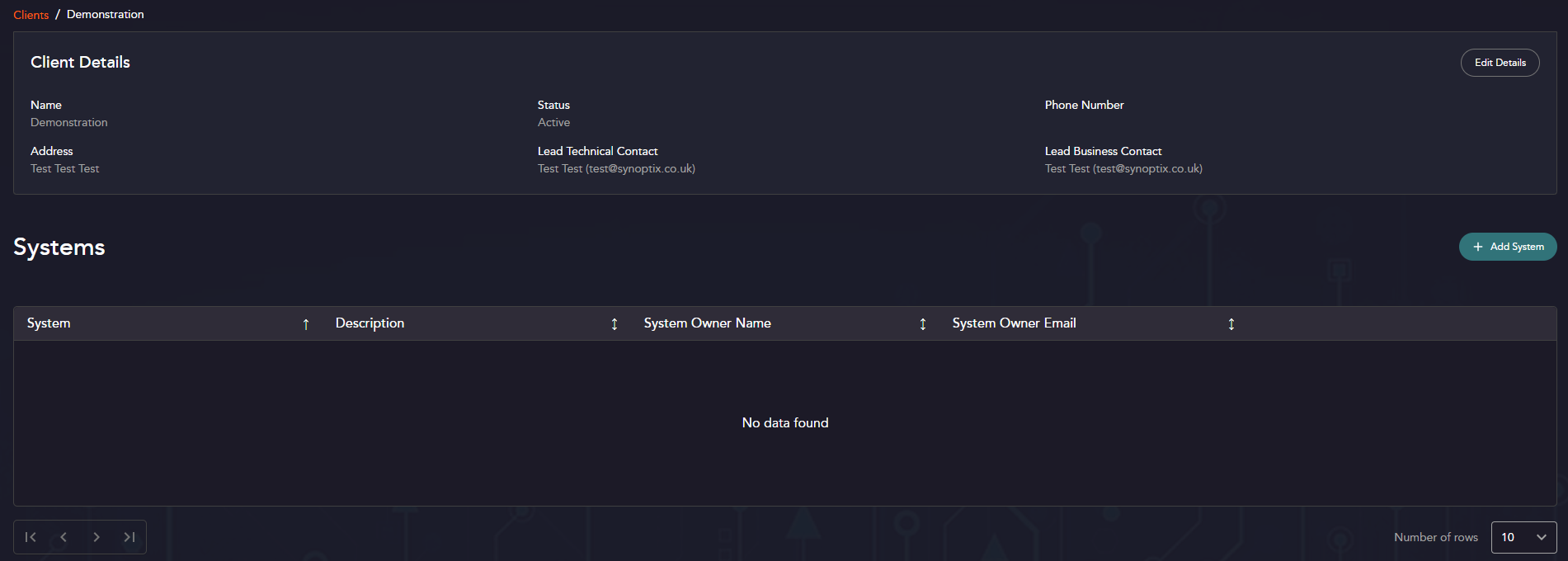
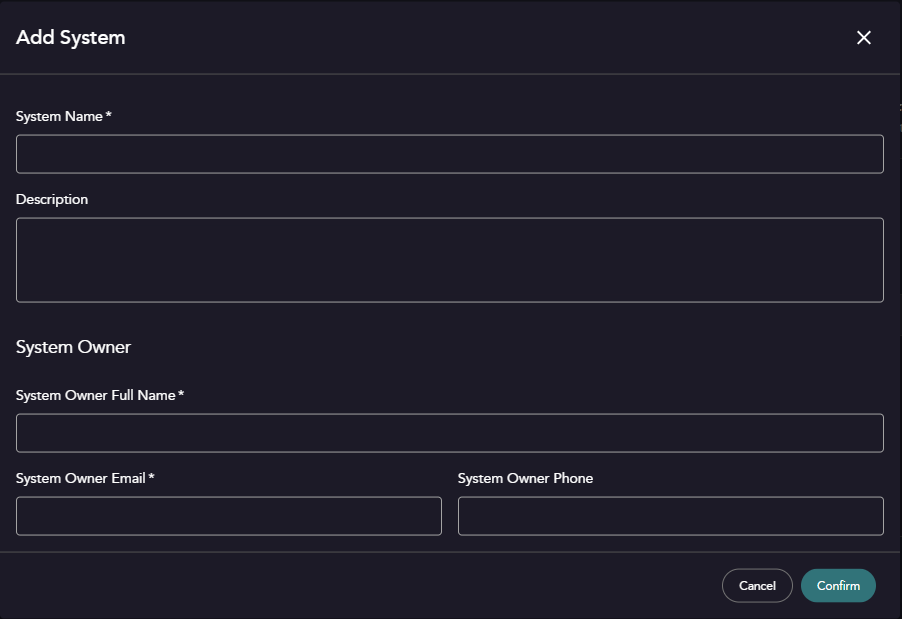
Once you click “Add System”, you can complete the dialog box.
System Parameters
| Property | Description | Mandatory? |
|---|---|---|
| System Name | A unique name for the system. | Yes |
| Description | Any additional descriptive properties for the system. | No |
| System Owner | Every system needs an owner. This should be the person accountable for the assurance of the system. | Yes |
| System Owner Email | Contact details for the system owner. | Yes |
| System Owner Phone | Contact details for the system owner. | No |